Target size vs quality slider
A slider makes you guess and re-check. A target size turns the cap your form enforces into a constraint the encoder can actually solve.
The problem with a quality slider
JPEG quality and file size are not linearly related. Dropping quality from 90 to 80 might halve the file for one photo and barely change it for another, because the result depends on how much detail and noise the image contains. That is why a slider gives you no predictable landing point: you move it, export, check the file size, and repeat.
The loop is worse than it looks. People who overshoot end up with a visibly soft image; people who undershoot get rejected by the form and have to start over. Either way the byte cap — the only thing the form actually checks — was never the thing being optimised.
How a target-size encoder differs
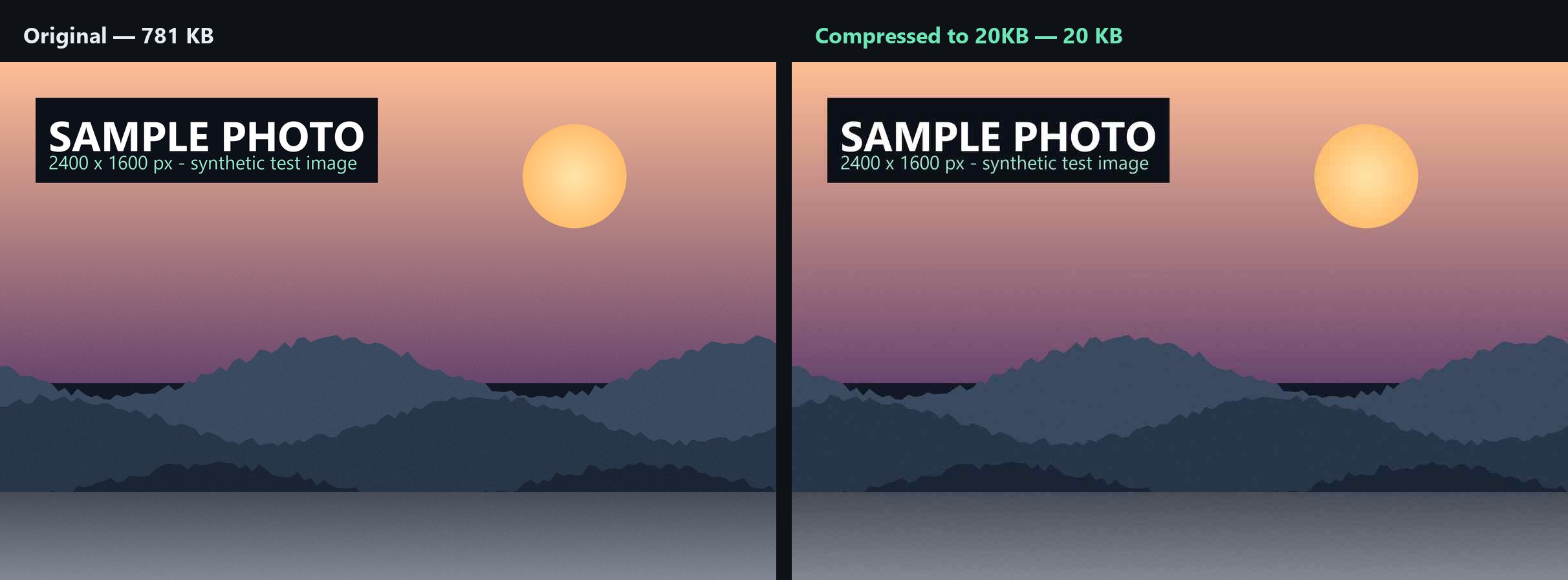
A target-size encoder reverses the loop. It takes the byte ceiling as input, then searches quality values and measures the resulting file at each one, keeping the highest quality that still fits. If the ceiling is too aggressive for the image's resolution, it steps the resolution down and repeats. The output is by construction under the cap, and as detailed as that cap permits.
| Dimension | Quality slider | Target size |
|---|---|---|
| You choose | A quality number you have to guess | The byte cap your form enforces |
| You check afterwards | Yes — re-export until it fits | No — the output already fits |
| Typical result | Far under or over the cap | Just under the cap |
| Detail kept | Unpredictable | The most the cap allows |
| Falls back to resizing | No | Only when quality alone cannot reach the target |
| Works with a byte limit | Awkwardly | By design |
Try it with your own cap
If a portal told you a number, that number is the only input you need.
Questions
Does a target-size encoder always look worse than a quality slider?
No. Both end up picking a JPEG quality value; the difference is who does the searching. The target-size encoder tries quality values, checks the resulting bytes, and keeps the highest one under the cap. A slider asks you to guess that same value blind.
When is a quality slider the better choice?
When the file size does not matter and you only care about visual fidelity — for example archiving originals or preparing print assets. If a form enforces a cap, the slider makes the job harder, not easier.
Why does the result sometimes land a few KB under my target?
Because the encoder stops at the highest quality that still fits, and pixel dimensions are quantised. Landing at 48KB on a 50KB target keeps more detail than forcing exactly 50KB would, since it leaves room for encoder variance.
Does it ever resize instead of lowering quality?
Yes, but only as a fallback. Quality is lowered first because it preserves composition; resolution is stepped down only when quality alone cannot reach the target.